ClientoraHQ One
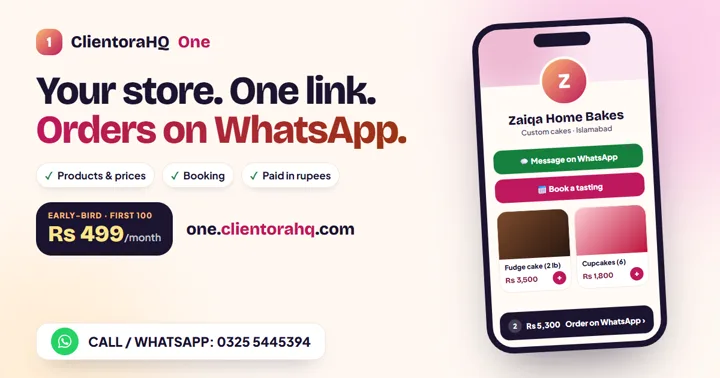
Your store in one link: products, prices, bookings, and orders on WhatsApp. Paid in rupees.
See ClientoraHQ OneFind clients like your best clients
Your best clients already show you who to look for next: the kind of business, the person who decided, the place, and the moment that made them buy. ClientoraHQ reads that pattern from a few lines you write, and uses it to search and to score every new lead.
Updated
$7.50 is deducted if you buy · Windows 10/11 + Google Chrome · Works in your own browser
Most people describe their ideal client in broad strokes: "small businesses", "startups", "anyone who needs a website". Search with words like that and you get thousands of people, most of whom will never buy.
Your paying clients are more specific than any description you'd write. They share an industry, a size, a place, a role, and usually a trigger: a new branch, a broken website, a launch, a hire that fell through. Find more people with the same traits and the same trigger, and you're looking at your next clients.
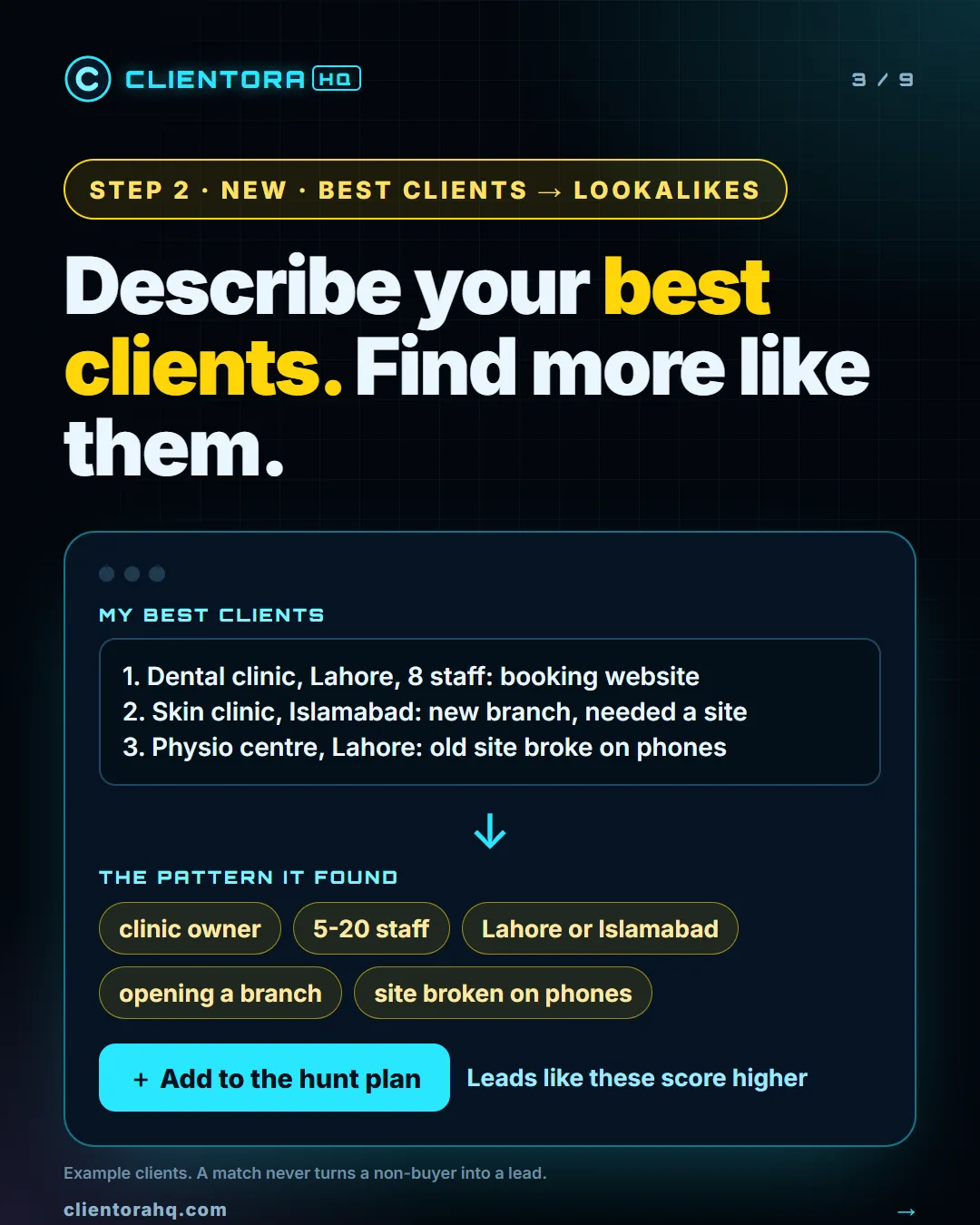
A web designer writes three clients: a dental clinic in Lahore with eight staff that needed online booking, a skin clinic in Islamabad opening a new branch, and a physio centre whose old site broke on phones.
The pattern that comes back: clinic owners, 5 to 20 staff, in Lahore or Islamabad, usually opening a branch or stuck with a site that fails on phones. The searches include "need a clinic website" and "online booking system", and a clinic owner in Lahore posting about a second branch now scores at the top of the list.
People asking right now for your service on LinkedIn, Instagram and Facebook groups.
Companies hiring for the work you sell, offered the work as a service.
Businesses without a website in your city, with an audit of the weak ones.
Not sure which words your buyers use? Try the free Buyer Phrase Generator, or take the free course Find Your First Client.
Two or three lines each is enough: who they are, what they bought from you, where they are, and why they came to you then. For example: 'Dental clinic in Lahore, 8 staff, booking website, their old site didn't work on phones.' Names aren't needed.
An ideal customer profile is usually a guess written before you have clients. This starts from the clients who actually paid you, so the pattern is real, and it also captures what made them buy, which a job-title filter can't.
No. A lead still has to pass the normal rules: a real buyer with a real need, not a freelancer selling the same thing. A lookalike match adds 5 to 10 to the score and says why ('Like your best clients: …'), so the best matches rise to the top of your list.
Two things. It writes buyer-side searches for LinkedIn, Instagram and Facebook groups that you can add to your hunt plan with one click, and it gives lead scoring a short profile of your best clients.
Your description is sent once to the AI model to read the pattern, on your own Claude API key, and the result is saved in the app on your computer. Nothing is posted or sent to anyone else.
It's part of the ClientoraHQ Windows desktop app: $300 one time with the launch offer (normally $400), or a 30-day trial for $7.50 that is deducted if you buy. Each analysis is one AI call.
Next step
Send a message with the contact form. We reply by email, usually within one working day — with the price, the 30-day trial ($7.50, deducted if you buy) or a short look at the app working for your niche.
Prefer email? support@clientorahq.com
A comment reply agent, a DM agent, a daily LinkedIn post agent and a freelance project finder that work while you're away. Buyers and payments still come to you.
Read moreFind people posting that they need your service, and Fiverr and Upwork projects that fit — with the message written for you.
Read moreA daily pipeline of scored buyers and local businesses, with outreach, follow-ups and replies drafted — your team only takes the calls.
Read moreWe run ClientoraHQ for your agency or business and send you people asking for your service, with the post, why they fit and a ready first message.
Read moreWebsites, custom web apps and SaaS, Flutter mobile apps and AI automation, built by the team behind ClientoraHQ. Price set on a free 15-minute call.
Read morePick a business type and a city — see who has no website, audit the weak ones and get an honest pitch ready.
Read moreFind LinkedIn posts from people asking for your service, comment and DM at a human pace, and keep your profile active.
Read moreCompanies hiring for the work you sell already have the budget. Find them and offer the work as a service.
Read moreWaalaxy automates LinkedIn and email campaigns to lists you build. ClientoraHQ finds people who posted that they need you — an honest comparison.
Read moreBoth find posts from people asking for your service. Compare platforms, pricing and what happens after the first message.
Read moreD7 gives you big exportable business lists. ClientoraHQ finds businesses without a website, audits them and writes the pitch.
Read more30 free browser tools for PDFs, images, invoices, resumes and screen recording. No upload, no sign-up, no daily limits.
Read moreTrigify closed on 22 October 2026 after HubSpot bought it. ClientoraHQ finds people who posted that they need you, on LinkedIn and beyond: an honest comparison.
Read moreOur own map data from Lahore, Karachi, Rawalpindi & Islamabad, Faisalabad, Peshawar and Multan: between 92% and 99% of listed small businesses show no website.
Read moreSix weeks of the founder using ClientoraHQ to find its own customers: 6,190 posts scanned, 381 people messaged, 68 replies, and four lessons that changed the app.
Read moreReal Lahore numbers: 92% of cafes, bakeries and salons on the map list no website. How web designers in Pakistan can find and pitch them.
Read moreNo-Site Search finds businesses with no website for a monthly fee. ClientoraHQ does that too, then audits, writes the pitch and tracks replies.
Read moreReal Karachi numbers: 2,160 of 2,184 cafes, bakeries and salons on the map list no website. How web designers can check and pitch them.
Read moreWho builds ClientoraHQ, what each product does, and the rules it follows: you approve every message, and it runs in your own browser.
Read moreReal twin-cities numbers: 311 of 328 cafes, bakeries, salons and boutiques on the map list no website. How web designers can check and pitch them.
Read moreReal Faisalabad numbers: 155 of 159 cafes, bakeries, salons and restaurants on the map list no website. How web designers can find and pitch them.
Read moreReal Peshawar numbers: 122 of 124 cafes, bakeries, salons and restaurants on the map list no website. How web designers can find and pitch them.
Read moreReal Multan numbers: 81 of 84 restaurants on the map list no website, and most bakeries and salons aren't on the map at all. How to find and pitch them.
Read moreA free 8-lesson course for freelancers: find local businesses that need a website, check them, price the job and send the first message. Free certificate.
Read moreFrom the ClientoraHQ family
Your store in one link: products, prices, bookings, and orders on WhatsApp. Paid in rupees.
See ClientoraHQ One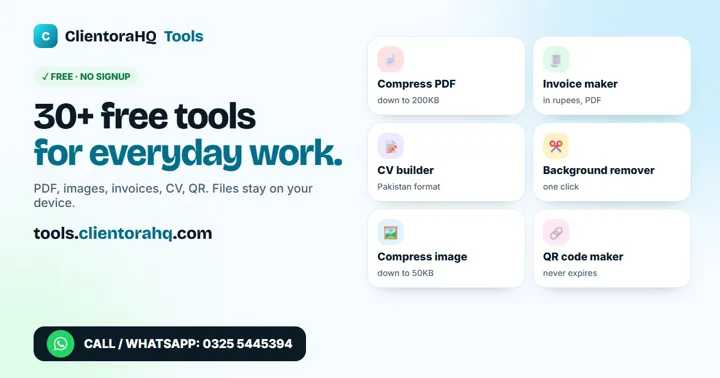
30+ free tools: CV maker, invoice in PKR, PDF and image tools. No sign-up, files stay on your device.
Open the free tools